
Better Banking Has Been Brewed.
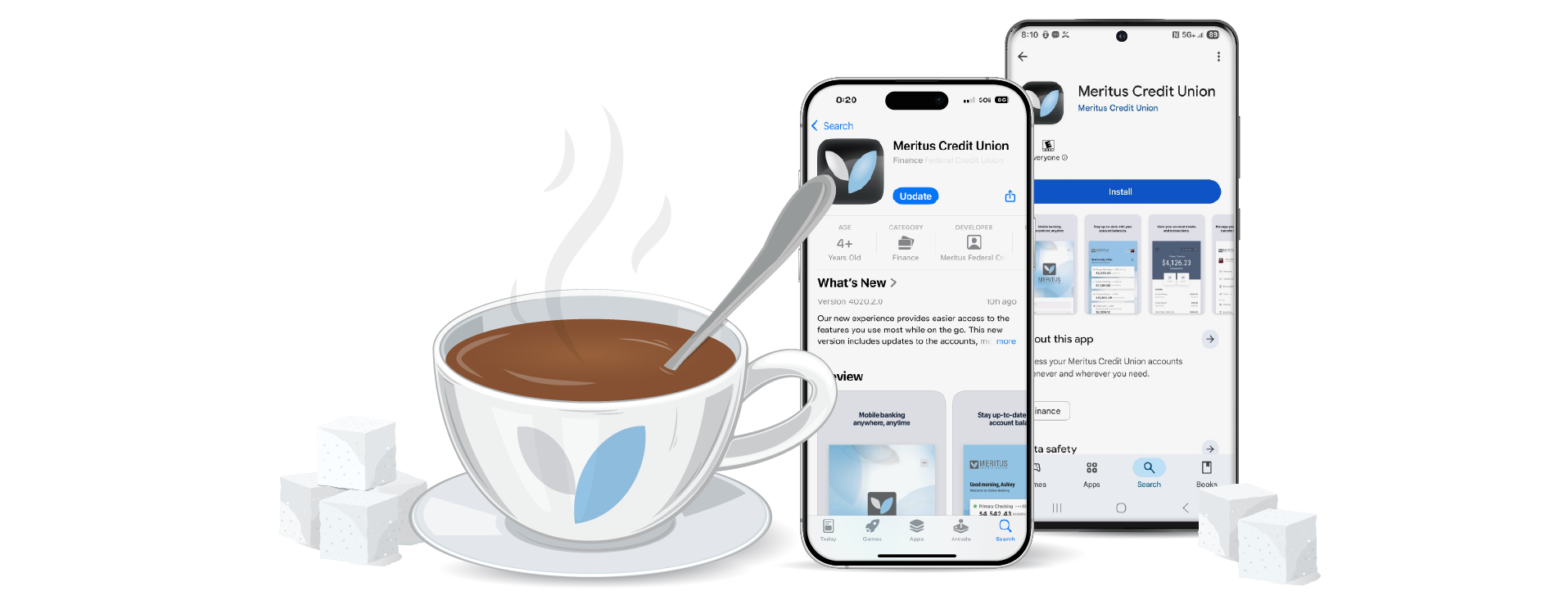
We have upgraded our banking systems to better serve you with a new online and mobile banking experience. Skip ahead to 0:48 seconds for helpful tips on how to login for the first time!
Download the new Meritus CU mobile app & log in with your existing User ID and password here!


Online Banking
-
Transfer funds between your accounts at other banks and credit unions
-
Online banking activity alerts: some examples include low balance and check clearing
-
One online banking experience for everyone
-
Enhanced security features such as multi-factor authentication
Mobile App
-
Easier integration with Zelle for person-to-person transactions
-
Deposit checks into savings accounts
-
Enhanced security features
.png?width=500&height=86&name=26_Conversion_FAQ%20page_What%20to%20Expect%20(2).png "26_Conversion_FAQ page_What to Expect (2)")

What Has Stayed The Same
- Your checks
- Your debit cards
- Your credit cards
- Your account numbers
- Our routing number
- Your username & password upon first login
What Has Been Updated
- New mobile app and online banking
- Enhanced alerts and notifications
- Access to all joint accounts in one place
- Access to debit & credit card controls within the new mobile app
UNAVAILABLE SERIVCES:
- Online and Mobile Banking
- Online Account Opening
- Bill Pay
- Online Loan Applications
AVAILABLE SERIVCES:
- Debit Cards
- Credit Cards
- ATMs
When styling your tabs, highlight the selected tab by giving it a color that differs from your unselected tabs, so that it's easy for your visitors to navigate.
Tabs are an effective way to organize information on a website page when there is a large amount of content that needs to be separated into distinct categories. Label your tabs with one or two words that define each category of information.
When styling your tabs, highlight the selected tab by giving it a color that differs from your unselected tabs, so that it's easy for your visitors to navigate.
Tabs are an effective way to organize information on a website page when there is a large amount of content that needs to be separated into distinct categories. Label your tabs with one or two words that define each category of information.
When styling your tabs, highlight the selected tab by giving it a color that differs from your unselected tabs, so that it's easy for your visitors to navigate.

We expect higher call volumes during this upgrade and appreciate your patience. Our Contact Center hours will be extended April 21-May 1 to assist with any questions you may have. Call us at 337.989.2800 for assistance during the following hours:
Tuesday, April 21: 8:30 am to 7:00 pm
Wednesday, April 22 - Friday, May 1: 7:00 am to 7:00 pm
(weekdays only)

-
How do I setup my Bill Pay account?
In Online Banking:
- Log in to Online Banking
- Navigate to the 'Transfer & Pay' tab located in the grey bar at the top of your screen
- Select 'Add Your First Biller' button
In the Mobile App:
- Log in to the Mobile App
- Tap 'More' located in the bottom footer
- Select 'Transfer and Pay', then tap 'Pay Bills'
- Select 'Add Your First Biller' button
-
Why are additional accounts showing in my online banking?
Our upgraded system provides a more complete view of accounts tied to your membership, including eligible joint accounts. As a result, you may now see accounts where you are listed as a joint owner that were not previously displayed in digital banking.
If something doesn’t look right or you’d like us to review your account access, please call our Contact Center at 337.989.2800.
-
How can I access Zelle®?
Zelle® can be accessed through online banking and the mobile app. You can login to access your Zelle® account at app.merituscu.net.
-
Will I need to re-enroll in Zelle® after the upgrade?
Yes. Once Zelle® is available, you will need to re-enroll through our new online banking platform or mobile app.
-
Will my account nicknames transfer to the new system?
No. Any nicknames you’ve set up for your accounts (such as checking or savings) will not carry over to the new online banking platform or mobile app. We recommend making note of your account names and balances before the upgrade so you can easily reorganize them afterward.
-
Will I still need the separate MCU MyCards app?
No. Starting in April 2026, debit and credit card controls will now be built directly into online and mobile banking — no separate app required.
-
Will online and mobile banking look different?
Yes. You’ll enjoy a new, modern design in both online and mobile banking for a smoother, more user-friendly experience.
-
Will I get a new debit or credit card?
No. You can continue using your current Meritus CU debit and credit cards.
-
Will I receive more than one statement in April?
Yes. Due to our system upgrade, you will receive two statements for April 2026. One statement will cover April 1–17, and a second statement will cover April 18–30. This ensures all account activity is accurately captured during the transition.
Statements prior to April 2026 will be temporarily unavailable in our new online banking system. Please contact our Call Center at 337.989.2800, or stop by your local branch for assistance.
-
Will my external transfers (ACH) carry over after the upgrade?
No. External transfers (ACH) will not carry over to our new online banking platform and mobile app. Once the upgrade is complete, you will need to re-establish any external accounts and set up your transfers again.
-
Will my checks still work?
Yes. Your existing checks will continue to work as usual.
-
Why is Meritus CU going through a system upgrade?
We’re upgrading our banking system to provide a better banking experience for you. This new system allows us to offer enhanced digital tools, improved security features, and more flexibility to grow with your needs.

Still have questions?
Please contact our team at 337.989.2800